Challenge
AI tools made building a site fast. Changing it stayed a developer job.
Sites built with Claude Code, Codex, Cursor or v0 ship in an afternoon. Then marketing wants a new headline, and the only way in is a ticket to whoever ran the AI tool.
What I built
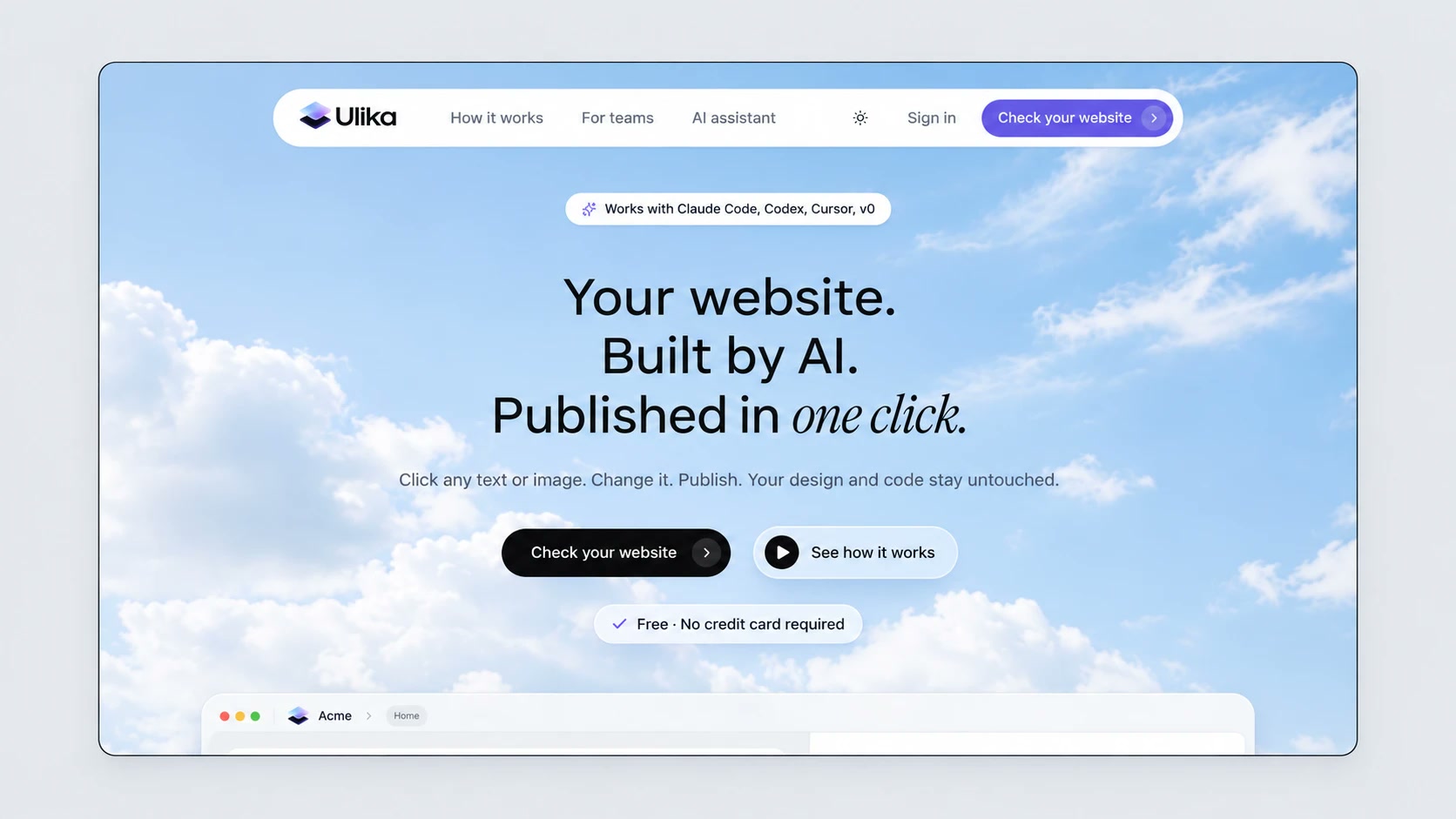
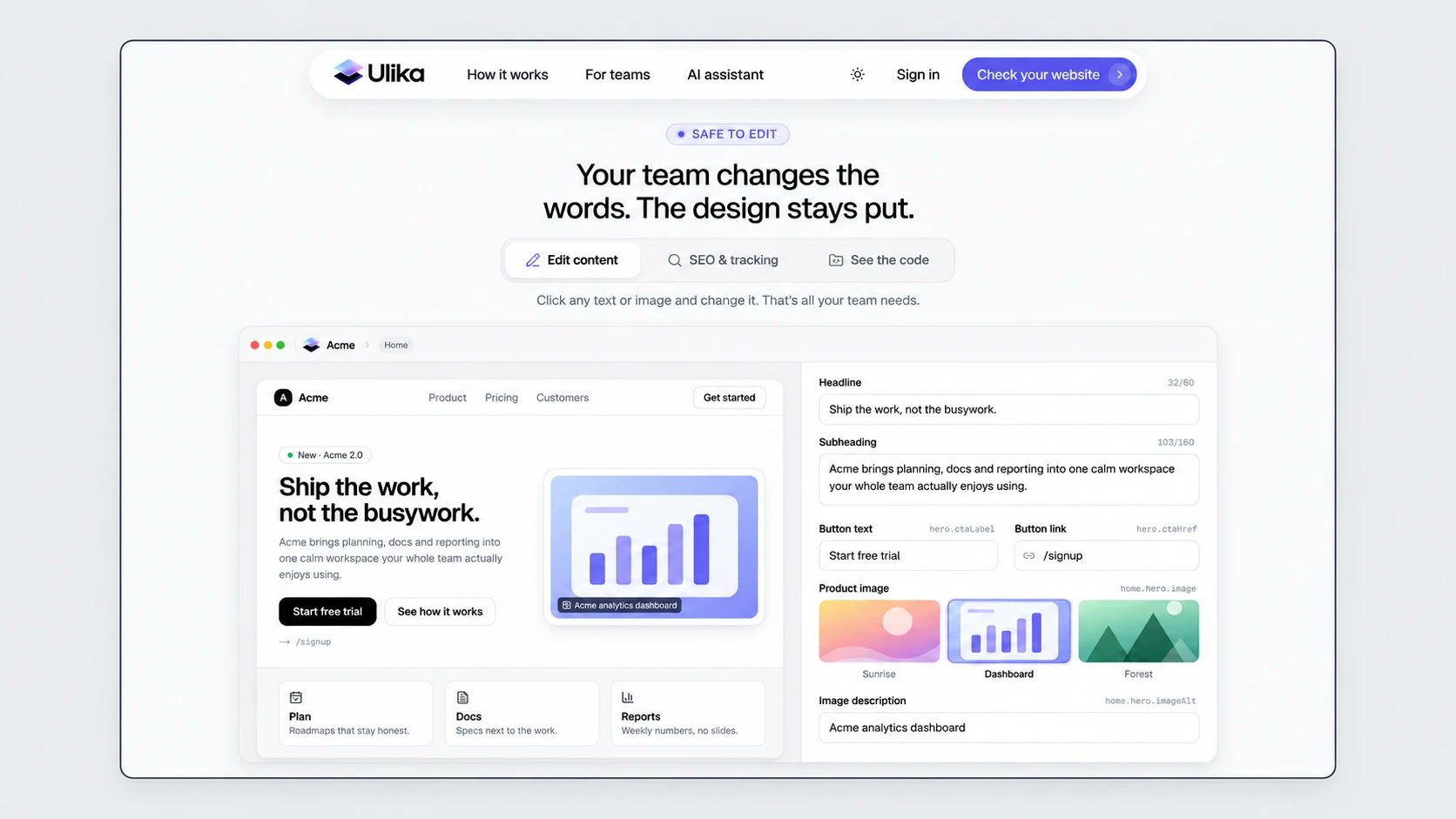
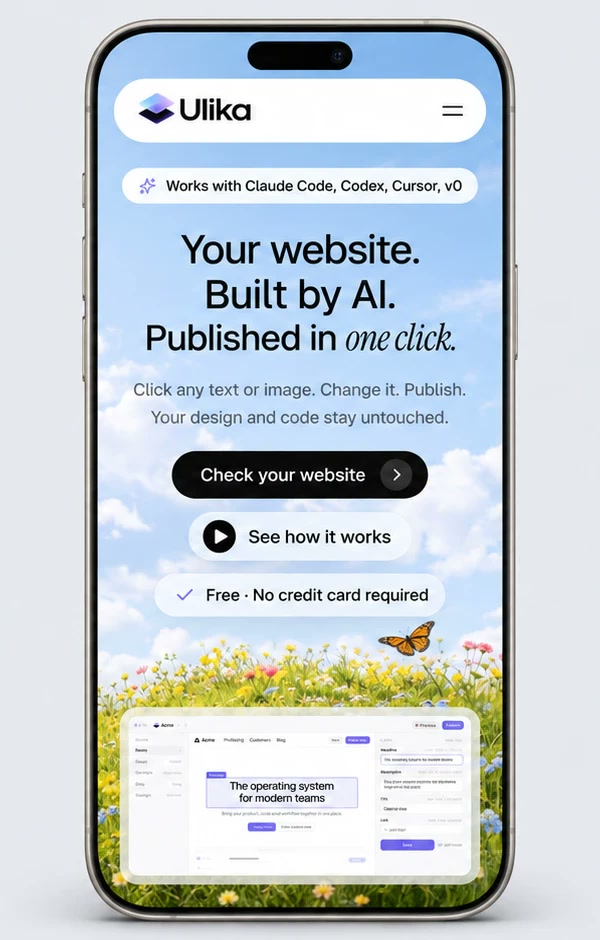
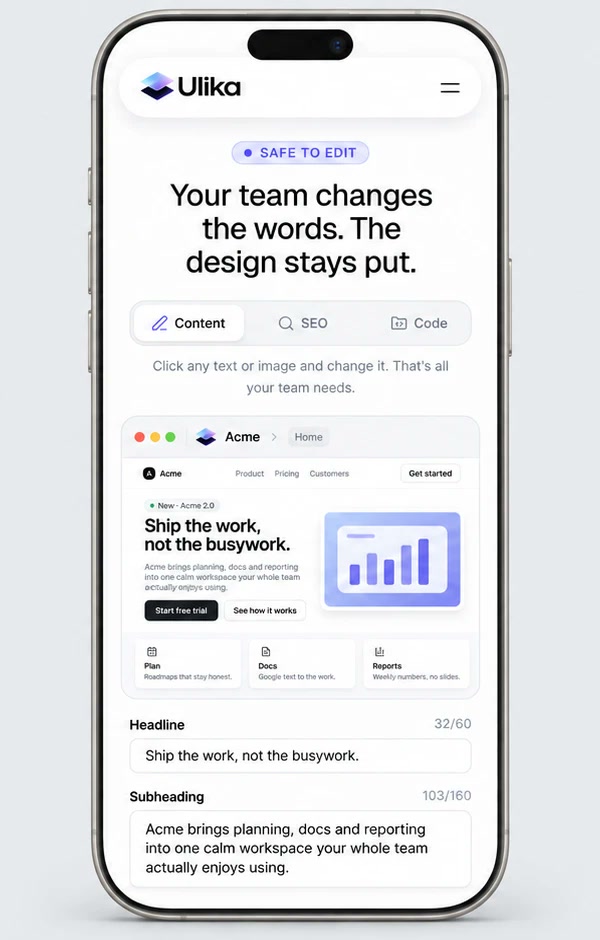
A visual editor that sits on top of the site you already have.
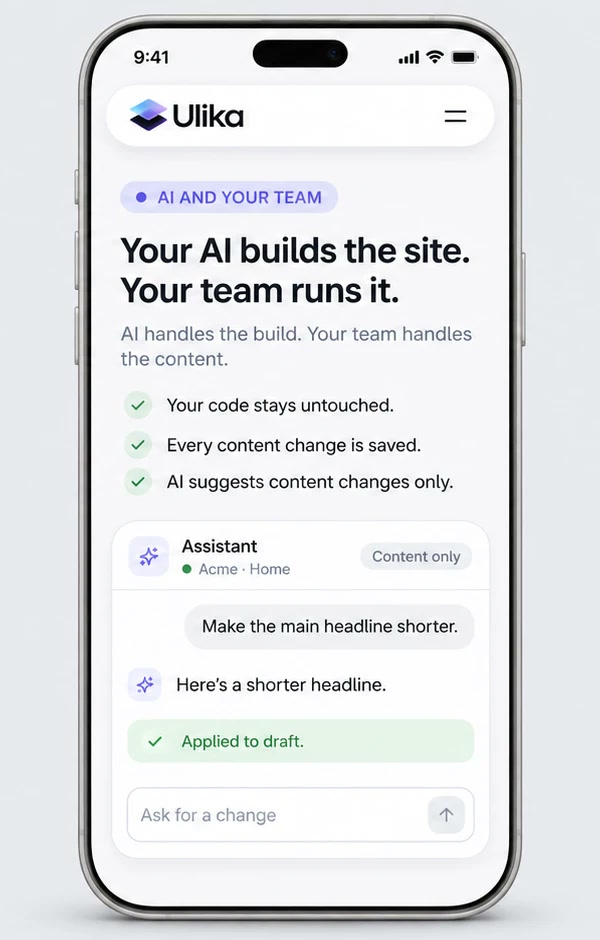
Where the agent acts
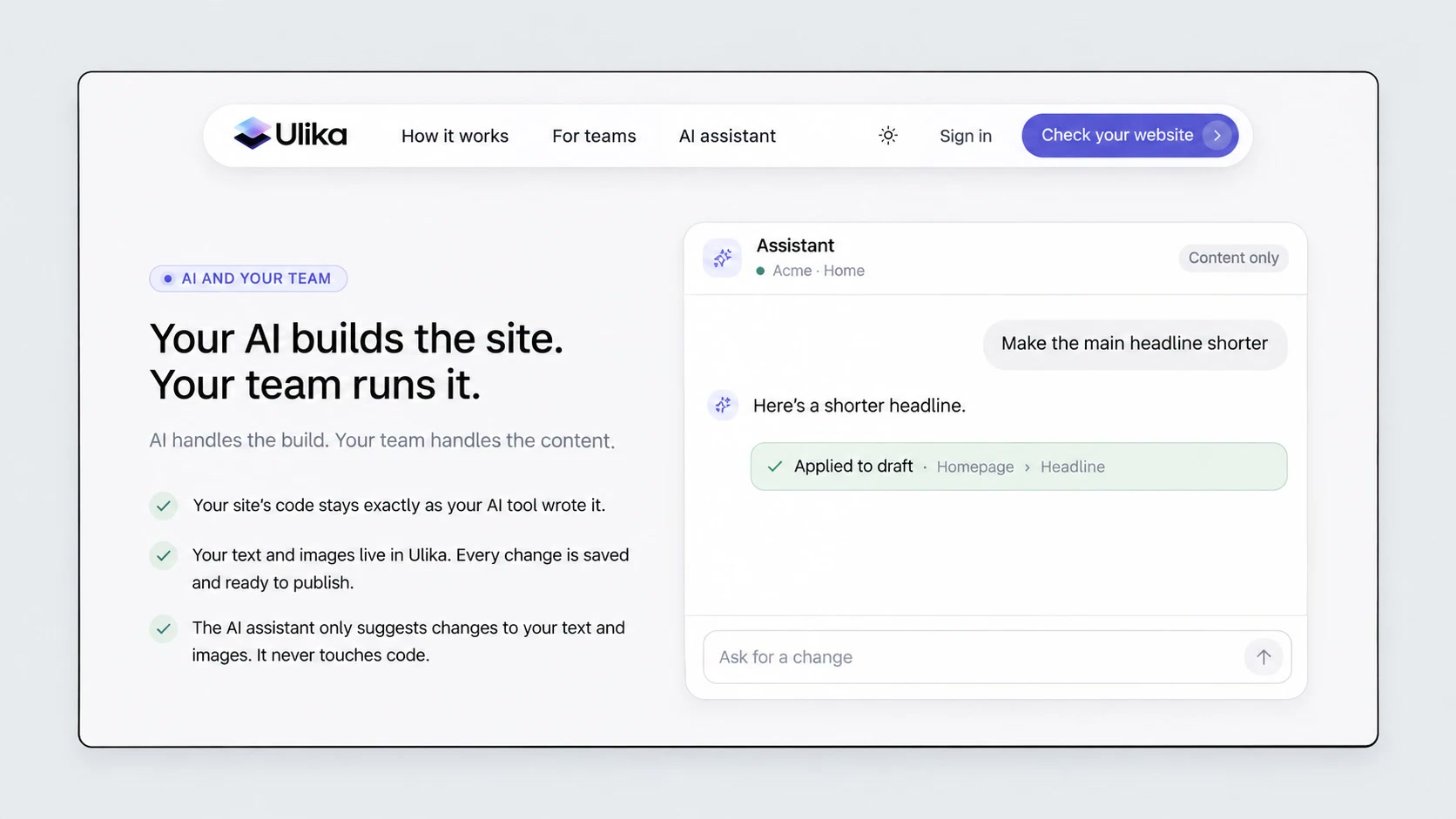
- Reads the site and the repository and proposes the list of editable content.
- Installs a small connector on a branch and builds a preview.
- When an AI agent does the connecting, it runs the whole batch from one command.
Where people decide
- Approves the list of editable content before anyone can edit.
- Activates the connection after checking the preview. Nothing reaches production without that click.
- Edits, previews and publishes. Design and code changes stay with the developer.
Process & decisions
Most of the work was deciding what Ulika must never be able to do.
-
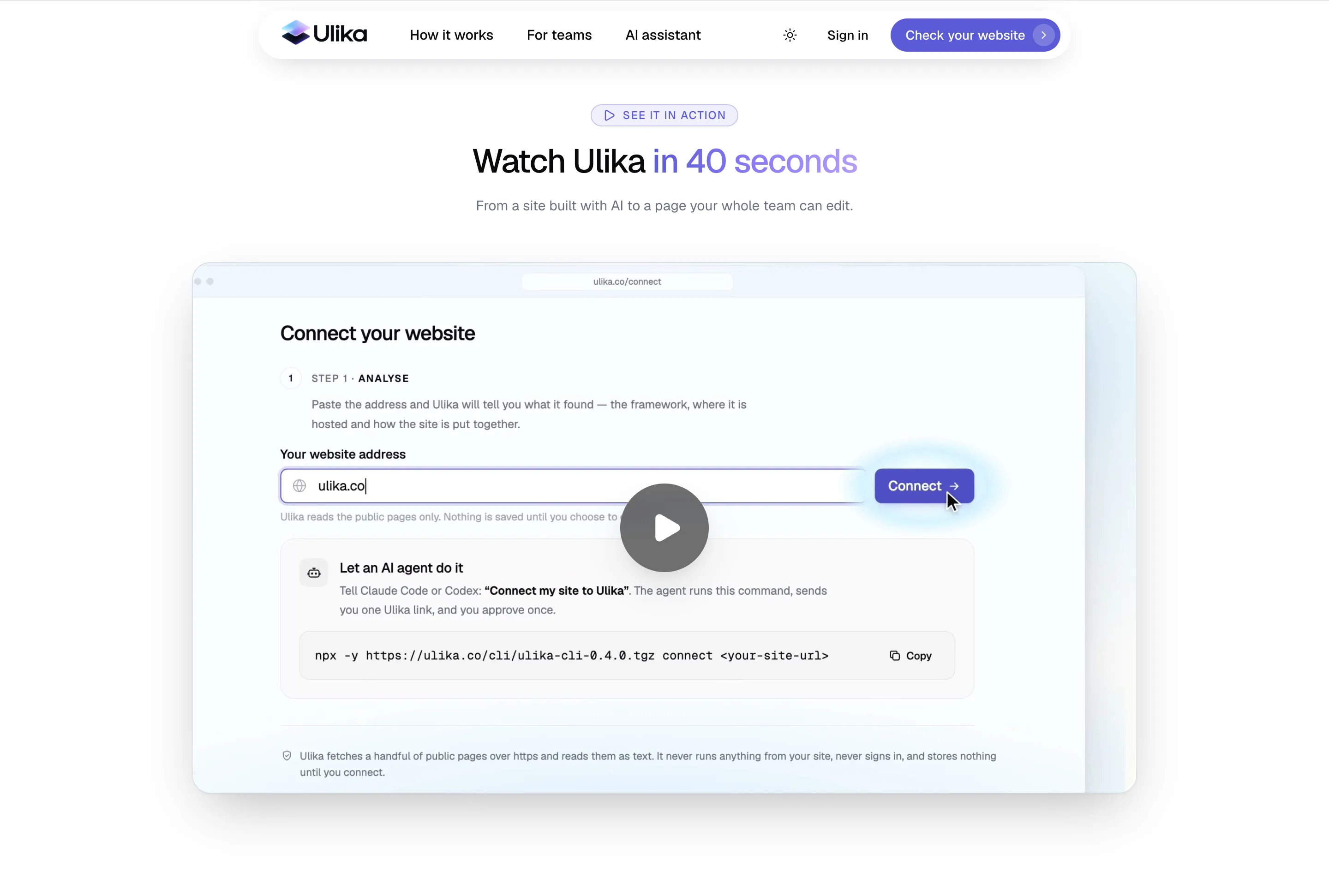
Connect by URL, never by terminal
You paste a website address. Ulika detects the framework, the hosting and the repository, installs a connector on a branch and activates only after you approve the preview.
-
Read the repository as data, never run it
Ulika streams the repository at a pinned commit from the GitHub API and filters it in memory, so nothing from the repo is ever executed. In testing, the address guard refused all 16 kinds of hostile URL thrown at it.
-
Publishing is a commit you can see
A publish is one fast-forward commit of the content file, or a pull request if the branch is protected. A force push isn’t just switched off: the code path to make one doesn’t exist.
-
One primary action per screen
A UX audit of the dashboard (44 screens) led to a stepper, a sticky action bar, one filled button per screen and status labels that only say what is actually true.
Result
Live at ulika.co, with real sites connected end to end.
My own site wp-jarvis.com is connected to Ulika: its copy is edited in the Ulika editor instead of in code.
- 129